How to Build a Welcome Email Sequence in a Funnel Builder
A welcome sequence is one trigger, one campaign and a few delays. Here is how systeme.io automation rules and ClickFunnels workflows build it, how delays stack, and which send and rule limits each plan imposes, from the official help centers and pricing pages as of October 2026.
This article is a documentation review: it is based on the vendors' own published pages, checked on the date shown. We may earn a commission from some links; it never affects what we recommend.

A welcome sequence is the simplest automation a funnel builder runs and the one most often built wrong: emails stacked with no delays, a trigger that fires before the tag exists, or a sequence on a plan that allows a single rule. This guide walks through the build in systeme.io and ClickFunnels using their own help articles as read on October 10, 2026. It covers the trigger, the campaign action, how delays are set and how they add up, then lists the send limits and rule counts each pricing page imposes. The method applies to Kartra and GoHighLevel too; their equivalent articles were not read for this guide.
Decide who enters the sequence before you touch the builder
Every welcome sequence starts with one question: what event means this person is new? systeme.io's help article on automating an email series lists three triggers: a funnel step form subscribed, a new sale, or a tag added.
A form trigger suits lead magnets: the person opted in on a page, popup or form, and the rule names that page. A new-sale trigger suits onboarding buyers. A tag trigger suits anything else, including contacts imported from another tool or tagged by an order bump.
The tag trigger has a rule most people learn the hard way. The article states "The tag must be added to the contacts after the rule has been set." Tagging first and building the rule second enrolls nobody. Build the rule, then apply the tag.
Keep buyers and leads in separate sequences. A buyer who receives the lead nurture email asking them to buy what they already own is the most common complaint a welcome sequence generates, and the fix is a second rule with the new-sale trigger.
Build the rule in systeme.io in four steps
Write the emails first, as a campaign, so the rule has something to point at. Then follow the vendor's steps: hover over Automations in the menu bar and click Rules; click Create; add a trigger with the plus button and pick one of the three above; add an action and select Subscribe to campaign.
Select the campaign title and click Save rule in the top right. That is the entire rule. The article does not cover how delays between the emails in a campaign are set; those live inside the campaign itself, not in the rule, so configure the gaps when writing the emails.
- Email 1, immediately: deliver what was promised and set expectations for what follows.
- Email 2, day 2: the single most useful piece of content on the topic, no pitch.
- Email 3, day 4: a short case or worked example tied to the product category.
- Email 4, day 6: the offer, with a reason it exists and a plain deadline if there is one.
- Email 5, day 8: a reply-to-this-email question that sorts engaged readers from the rest.
Five emails over eight days is a template, not a rule. The right count is however many the business can keep useful. A sequence that trails into filler teaches subscribers to ignore the sender before the offer arrives.
Set delays in ClickFunnels and remember that they stack
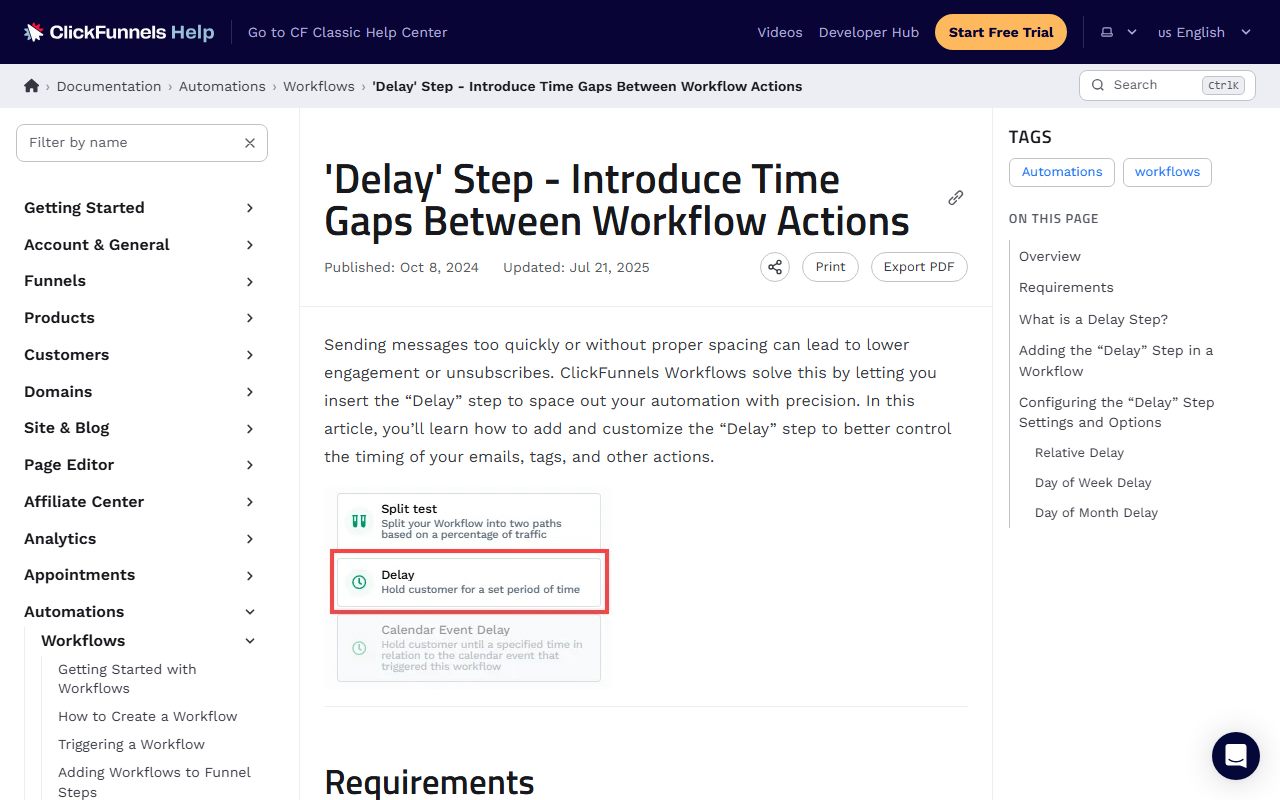
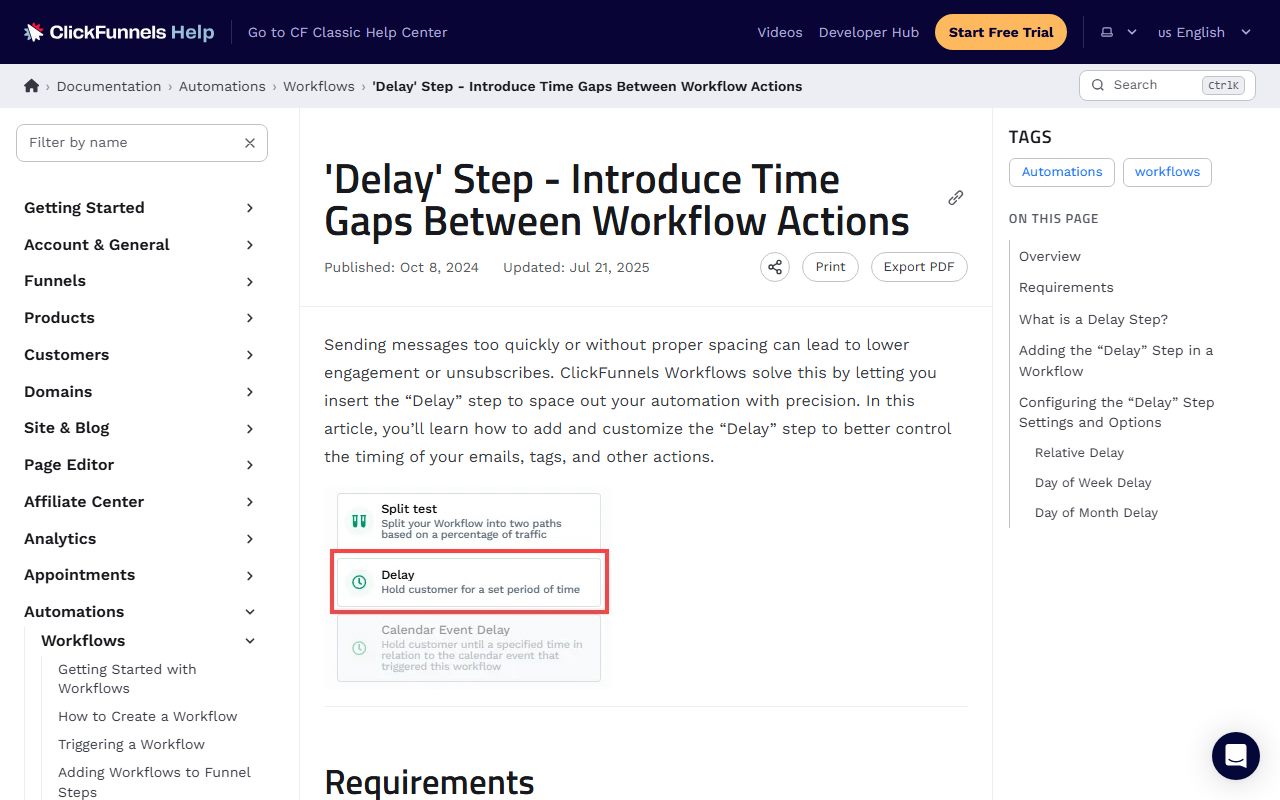
ClickFunnels builds the same sequence as a workflow with explicit Delay steps between emails. Its Delay step documentation offers three modes: Relative, Day of Week and Day of Month. Relative delays accept minutes, hours, days, weeks, months and years.
Delays accumulate. The article's example: "if two delays are set for 5 minutes each, the total delay will be 10 minutes." Steps run top to bottom, so a two-day delay before email 2 and another two-day delay before email 3 puts email 3 on day 4, not day 2.
The Relative mode has an optional execution window that limits when a delay can finish, by day, time and time zone. A sequence can therefore wait two days but only release at 9 a.m. on a weekday. Day of Week and Day of Month modes use the contact's time zone or one you choose.
One constraint is stated: for Day of Week delays, "all preceding steps in the workflow must be completed before this delay step is reached." The article sets no maximum delay length and no maximum number of delay steps per workflow.
Check the send and rule limits on your plan first
The sequence costs nothing extra on most tiers, but the plan rows cap how many sequences and how many sends. systeme.io's pricing FAQ as of October 2026 states all plans include unlimited email sends, and that the Free plan allows 1 email campaign and 1 automation rule.
One rule means one trigger. A Free account can run the lead sequence or the buyer sequence, not both, until the Startup plan at $17 per month. The FAQ did not state the Startup rule count in the copy read, so confirm it on the live page.
ClickFunnels Launch includes 50,000 emails per month per its pricing table, with a 10,000-contact cap. Kartra Essentials lists 10,000 emails and text messages per month; Starter and Growth list unlimited. GoHighLevel meters email as usage billing on every plan, so a sequence to a large list has a per-send cost.
Reading those rows is the subject of how to read a funnel builder pricing page. The short version for sequences: multiply the list size by the emails per sequence, then by sequences per month, and compare that to the send allowance before writing a word.
Test the sequence from the subscriber's side
Subscribe a Gmail address, an Outlook address and a work-domain address through the real form, not through a manual contact add. The form trigger only fires on the form. Then wait for the first delay to pass; a sequence that looks right in the editor can still land in promotions or spam.
Run the buyer path too. Make a test purchase, including the order bump, and confirm the new-sale rule fires and the lead rule does not. Both tests fit inside the first week of the funnel builder free trial checklist.
Finally, check the tag the bump assigns. If the bump adds a tag and a rule listens for it, the follow-up for the add-on starts automatically, which is the second payoff described in order bump versus upsell versus downsell. If the rule was built after the tag, nothing fires; rebuild the rule and re-tag.
Frequently asked questions
How many emails should a welcome sequence have?
Enough to deliver the promise, teach one useful thing and make the offer, which is usually four to six over a week or so. The platforms set no count; the constraint is the send allowance on your plan, such as ClickFunnels Launch's 50,000 emails per month as of October 2026.
Why did my systeme.io tag rule not send anything?
Most often because the tag was applied before the rule existed. The help article states the tag must be added to contacts after the rule has been set. Remove the tag, save the rule, then re-apply the tag to the contacts who should enter the sequence.
Do ClickFunnels delays add up?
Yes. The Delay step documentation gives the example that two 5-minute delays produce a 10-minute total. Each delay counts from the end of the previous step, so plan the sequence as gaps between emails, not as days since sign-up.
Bottom line
Write the campaign first, build the rule second, apply the tag third. In systeme.io the rule is trigger plus Subscribe to campaign; in ClickFunnels the workflow is emails separated by Relative delays that stack. Keep buyers and leads in separate sequences.
Before launch, count rules and sends against the plan row: 1 rule and 1 campaign on systeme.io Free, 50,000 sends on ClickFunnels Launch, 10,000 on Kartra Essentials, metered on GoHighLevel. Those figures are as of October 10, 2026; re-check the pricing pages before relying on them.
Sources
- systeme.io help: How to automate the sending of an email sequence (email campaign) (checked Oct 10, 2026)
- ClickFunnels docs: Delay Step - Introduce Time Gaps Between Workflow Actions (checked Oct 10, 2026)
- systeme.io pricing (campaign and rule limits, unlimited sends) (checked Oct 10, 2026)
- ClickFunnels pricing (emails per month, contact cap) (checked Oct 10, 2026)
- Kartra plans and pricing (emails per month by tier) (checked Oct 10, 2026)